
Five Practical Tips for Digital Performance
Simple steps to make online and hybrid performances more engaging for audiences and more manageable for artists.
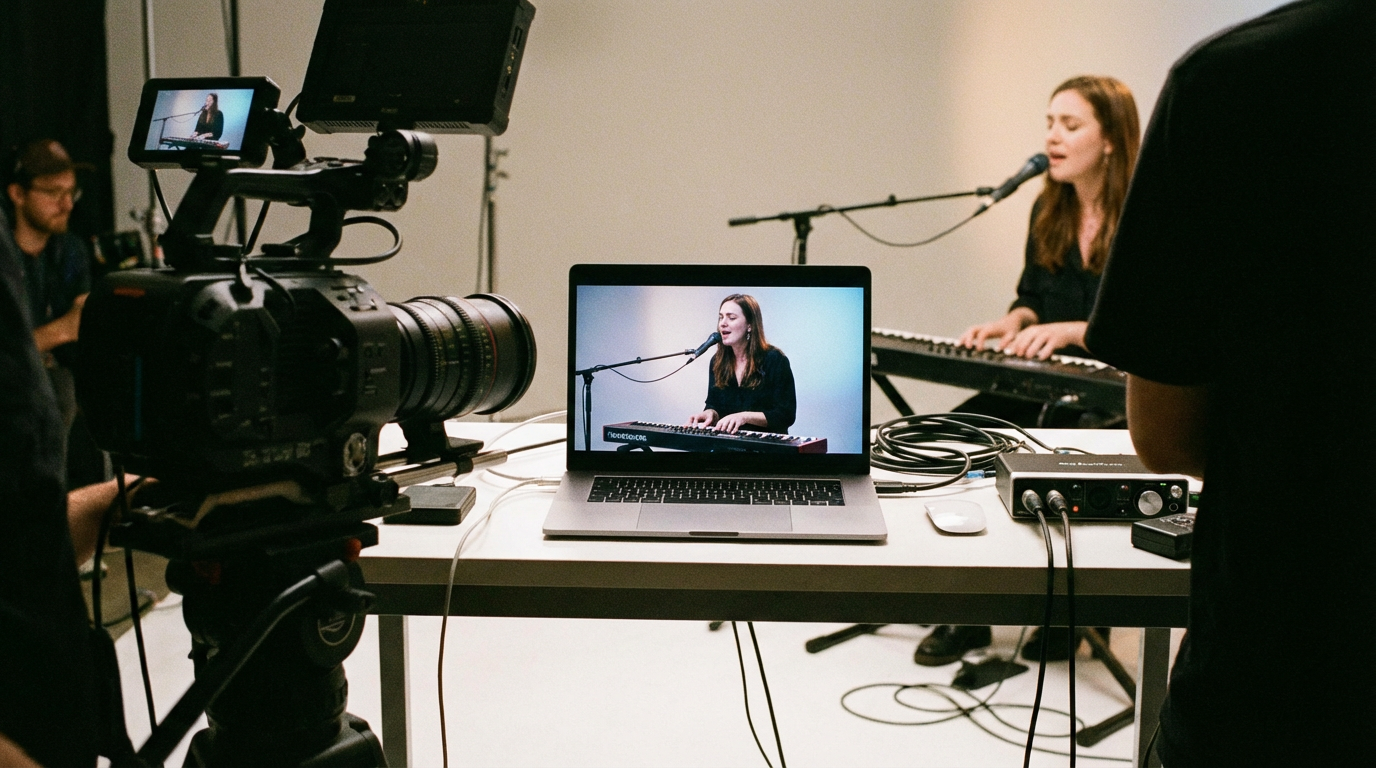
Digital and hybrid performance are here to stay. Whether you are streaming a live show, recording for later release, or mixing in-person and online audiences, a few practical choices can make a big difference. At the Keviltub Digital Performance Lab we have supported a range of projects—here are five tips that come up again and again.
1. Treat the Camera as an Audience
It sounds obvious, but it is easy to forget: the camera is not a passive recorder. It is the stand-in for the people watching at home. Think about where the lens is, what it sees, and what it misses. Rehearse with the camera in place so that performers know where to focus energy. Small adjustments—angle, height, distance—can change how intimate or distant the experience feels. If you have multiple cameras, decide in advance when to cut and who is responsible for that decision.
2. Simplify the Tech Where You Can
Not every project needs multiple feeds or interactive elements. Start with what you can run reliably. A single well-framed camera and a stable connection often beat a complex setup that keeps dropping or glitching. Test your stream or recording in conditions similar to the live run: same room, same time of day, same number of devices on the network. Fix one thing at a time rather than changing everything at the last minute.
3. Give Online Audiences a Clear Role
When people watch from home, they can feel disconnected unless you give them something to do or to hold their attention. That might be a simple instruction at the start (“notice how the light changes”), a moment of interaction (a question, a poll, a chat window), or a clear narrative or structure so they know where they are in the piece. You do not need to gamify everything—but you do need to think about how the online experience differs from being in the room and design for that difference.
4. Rehearse the Transitions
Most technical problems happen at the edges: starting, stopping, switching between sections or cameras, handling a dropout. Rehearse those transitions explicitly. Who says “we are live”? Who gives the cue to end? What happens if the stream fails—do you have a backup recording, a message to the audience, a plan to reschedule? A short run-through of the “in between” bits can save a lot of stress on the day.
5. Record Everything (With Permission)
Even when the primary offer is live, record the run. You will have an archive, a backup if the stream fails, and material for promotion or future use. Make sure performers and participants have agreed to being recorded and know how the recording will be used. Clear consent and a simple agreement in writing avoid problems later.
If you are developing a digital or hybrid project and want space or support to test ideas, the Digital Performance Lab may be able to help. Get in touch with a short outline of your project and we will see if there is a fit.